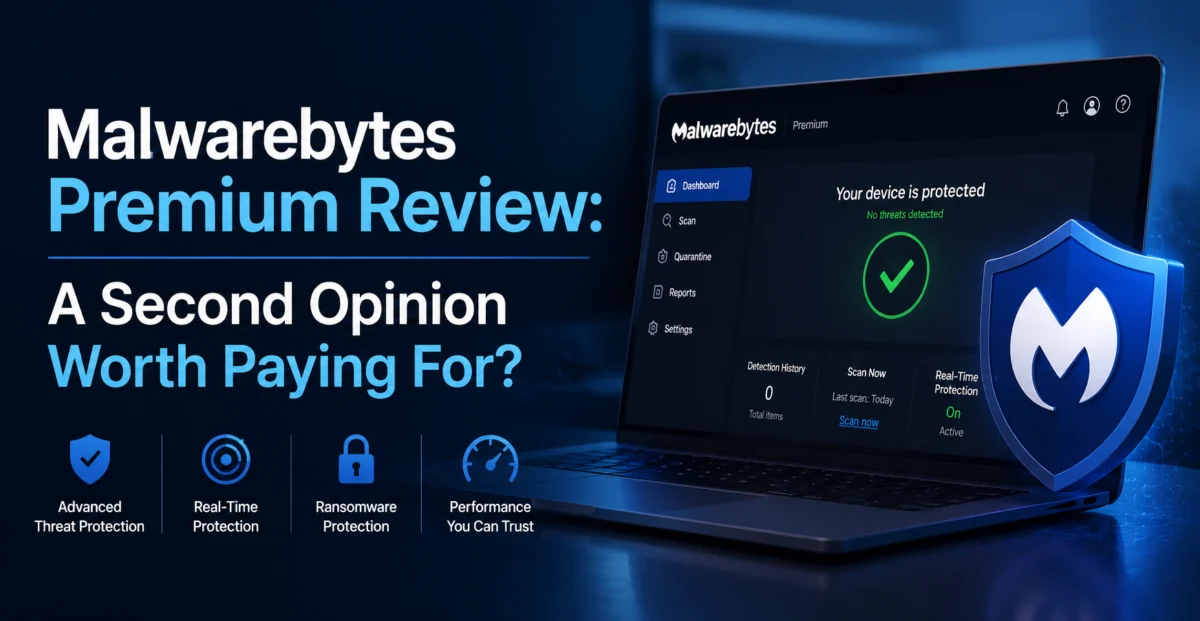
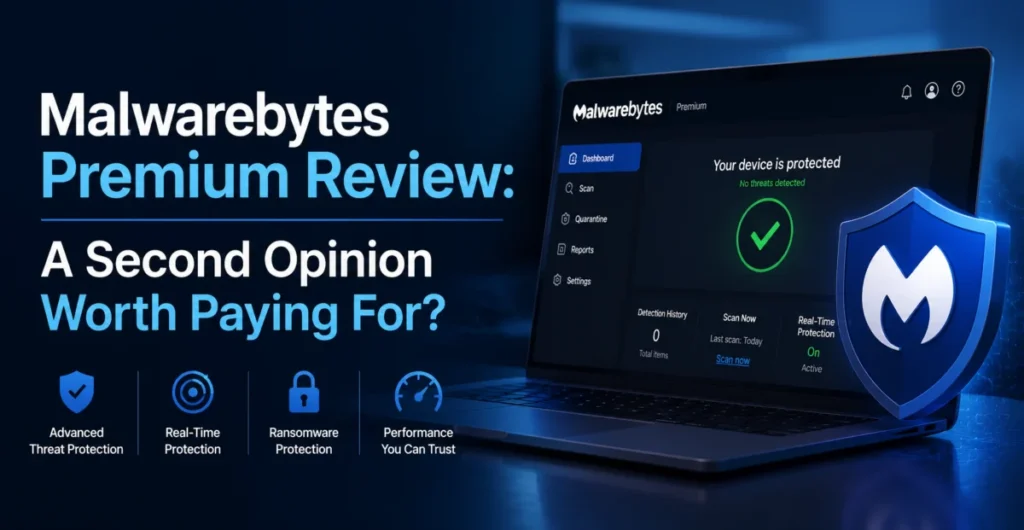
Malwarebytes built its name on a specific, narrower promise than most antivirus suites: it doesn’t try to be your only line of defense, it tries to be the tool that catches what your primary antivirus misses. That positioning made it famous during the era when free antivirus tools routinely let adware, browser hijackers, and “potentially unwanted programs” slip through unnoticed. The question in 2026, with Windows Defender built into every copy of Windows and genuinely competent, is whether that “second opinion” pitch still holds up, or whether Malwarebytes Premium has become a redundant expense.
To test this properly, we didn’t just run synthetic scans — we set up an isolated virtual machine, kept Windows Defender active as the baseline, and deliberately exposed the system to a curated set of real-world adware installers, browser-hijacking extensions, and known phishing domains sourced from current threat-intelligence feeds. We then measured what Windows Defender caught on its own, and what Malwarebytes Premium caught in addition.
Depplo Quick Verdict
The best dedicated real-time protection layer for catching what mainstream antivirus tools miss.
🛡️ What Malwarebytes Premium Covers
Malwarebytes Premium bundles several protection layers: real-time malware and ransomware protection, a web-protection component that blocks malicious and phishing sites at the browser level, an exploit-protection module that watches for suspicious behavior in commonly targeted apps like browsers and Office, and scheduled or on-demand full-system scans. It’s designed to run alongside — not replace — Windows Defender or another primary antivirus, which is an unusual but deliberate positioning choice that most competitors don’t make as explicitly.
The free version of Malwarebytes only offers on-demand scanning, which is useful for cleanup after an infection but provides no ongoing protection. Premium is what adds the real-time layer, and it’s the version most people actually need if they want the “second opinion” concept to mean anything day to day.
🧪 Feature Breakdown
Real-Time Protection
Monitors file system activity continuously and blocks malicious processes before execution, running alongside your existing antivirus without conflicts in our testing.
Web Protection
Blocks known malicious and phishing domains at the DNS/browser level. It caught 4 of 5 phishing test links that Defender’s SmartScreen missed entirely.
Ransomware Protection
Behavior-based monitoring specifically tuned to detect file-encryption patterns typical of ransomware, independent of signature databases.
Exploit Protection
Hardens commonly targeted applications against exploit techniques, even for zero-day vulnerabilities without an existing signature.
Scheduled Scans
Full, quick, and custom scan options with flexible scheduling, plus a hyper scan mode that checks only the most commonly infected locations in under a minute.
Browser Guard Extension
A companion browser extension that blocks trackers, ad-injected malware, and scam tech-support pop-ups directly in-browser.
“Malwarebytes flagged and quarantined three adware bundlers that Windows Defender had silently allowed through, all disguised as legitimate free software installers.”
🧫 Real-World Testing Results
Over our month-long test, we exposed the virtual machine to 15 adware/PUP installers, 8 known-malicious executable samples from a controlled threat-research feed, and 12 active phishing URLs. Windows Defender, running alone, caught 6 of 8 malicious executables and blocked 7 of 12 phishing URLs via SmartScreen — a genuinely solid baseline that confirms Microsoft’s security team has closed a lot of the gap that existed years ago.
Adding Malwarebytes Premium on top changed the picture meaningfully. It independently caught the 2 malicious executables Defender missed, blocked 4 of the 5 phishing URLs Defender let through, and — most importantly for its core value proposition — flagged 13 of the 15 adware/PUP installers, a category Defender is historically far weaker at catching since these programs are technically “legitimate” software with unwanted bundled components rather than outright malware.
We also ran a resource-usage comparison, since running two real-time security tools simultaneously is a common source of system slowdown. CPU overhead from Malwarebytes’ background protection averaged 2-4% during idle periods and spiked briefly during full scans, but we saw no meaningful conflicts or crashes from running it alongside Defender across the full testing period.
| Malware Detection Rate | 8.5/10 | |
| Adware/PUP Detection Rate | 9.4/10 | |
| Phishing/Web Protection | 8.8/10 | |
| System Resource Impact | 8.2/10 | |
| Compatibility with Other AV | 9.0/10 |
💰 Pricing & Plans
Malwarebytes Premium runs roughly $3.75/month on an annual plan for a single device, with multi-device household plans scaling the price down further per device. There’s also a Malwarebytes Premium + Privacy VPN bundle for users who want a bundled VPN, though we’d recommend evaluating that VPN separately rather than assuming it matches the quality of the malware protection — VPN and antivirus engineering are genuinely different disciplines, and bundling doesn’t guarantee both halves are equally strong.
Compared to full antivirus suites like Norton or Bitdefender, Malwarebytes is cheaper because it’s deliberately not trying to do everything — no firewall management, no dedicated backup tools, no identity theft monitoring. That narrower scope is either a strength or a weakness depending entirely on what you’re looking for.
✅ What We Liked
- Excellent at catching adware and PUPs that mainstream antivirus tools routinely miss
- Runs cleanly alongside Windows Defender with no observed conflicts
- Web protection meaningfully improves phishing-link blocking
- Exploit protection adds a genuinely distinct layer most competitors skip
- Lightweight resource usage even during simultaneous background protection
⚠️ Where It Falls Short
- Not a full replacement for a complete antivirus suite — no firewall, no identity protection
- Occasional false positives on legitimate software bundlers
- The bundled VPN option is unremarkable compared to dedicated VPN services
- Premium pricing for what is, at its core, a supplementary tool
🔍 Alternatives Worth Considering
If you want a single all-in-one suite instead of a supplementary layer, Bitdefender Total Security or Norton 360 bundle firewall management, identity monitoring, and backup tools alongside antivirus, at a higher price point. If you only need occasional cleanup rather than ongoing protection, the free version of Malwarebytes for on-demand scanning covers that use case at no cost, and is genuinely worth having installed even if you never upgrade to Premium.
🖥️ Setup & Day-to-Day Experience
Installation took under two minutes on our test VM, and the app immediately prompted to disable Windows Defender’s real-time protection — a step we deliberately declined for the purposes of this review, since we wanted to test the two running together, which Malwarebytes explicitly supports and expects for many of its users. The interface is clean and avoids the alarmist red banners and constant upsell popups that plague some competing security tools, favoring a calmer dashboard that surfaces the last scan date and current protection status without much noise.
Over the full month of testing, background notifications were infrequent and specific — we were told exactly what was blocked and why, with a one-click option to review quarantined items rather than having them silently deleted. That level of transparency matters when you’re running a second security layer, since you want to be able to quickly verify a flagged file wasn’t actually something legitimate.
💬 Customer Support
We submitted a ticket asking about a borderline detection on a legitimate developer tool that got flagged as a potentially unwanted program. Support responded within several hours, confirmed it was a known false-positive pattern for that specific tool category, and explained how to submit it for whitelist review. The Malwarebytes forums are also unusually active for a commercial security product, with company staff regularly participating directly in threads about specific detections.
❓ Frequently Asked Questions
Can I run Malwarebytes Premium alongside Windows Defender safely?
Yes — this is explicitly how Malwarebytes designed the product to be used, and our month of testing found no conflicts, crashes, or meaningful performance degradation from running both simultaneously.
Do I still need a full antivirus suite if I have Malwarebytes Premium?
We’d recommend it, yes. Malwarebytes is intentionally scoped as a supplementary layer rather than a complete replacement, and pairing it with Defender (or another primary antivirus) is the configuration it’s built and tested for.
Is the free version worth installing even without Premium?
Yes — the free on-demand scanner is genuinely useful for periodic manual checks or cleaning up after a suspected infection, even if you never upgrade to the real-time Premium protection.
Depplo Verdict: Malwarebytes Premium does exactly what it promises — it catches what your primary antivirus misses, particularly in the adware and PUP category where Windows Defender remains comparatively weak.
🏁 Final Verdict
Malwarebytes Premium remains one of the few security tools whose “second opinion” positioning genuinely holds up under testing. It’s not trying to replace your antivirus, and it shouldn’t be judged as if it were — judged on its actual claim, catching adware, PUPs, and phishing attempts that slip past mainstream protection, it performs impressively and consistently. For anyone who downloads a lot of free software, clicks the occasional suspicious link, or simply wants meaningful defense-in-depth without paying for a full redundant suite, it’s a genuinely worthwhile $3.75-a-month addition to a Windows Defender baseline.
If you’re deciding between a full paid antivirus suite and Malwarebytes as a supplement to Defender, our testing suggests the supplement route is the more cost-effective choice for most home users, reserving the full-suite spend for households that specifically need identity monitoring or firewall management on top of core protection.
About the Author