Depplo Chatbot Reviews
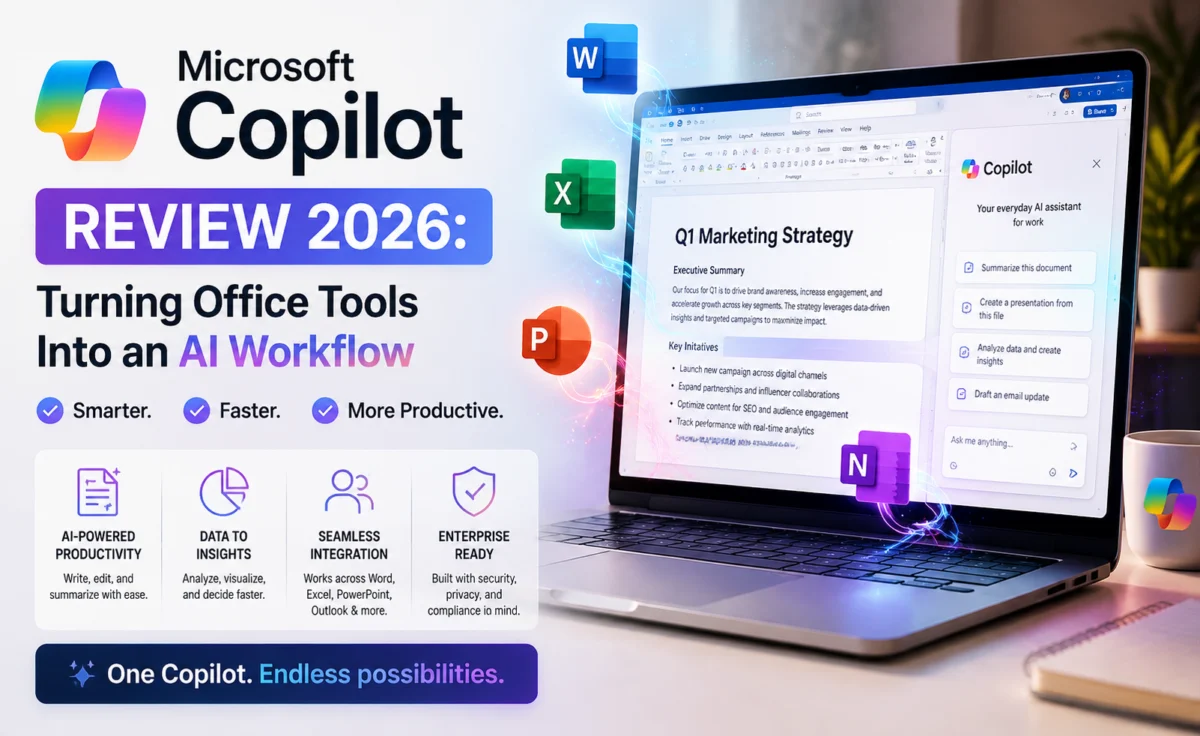
Microsoft Copilot Review 2026: Turning Office Tools Into an AI Workflow
A deep dive into Copilot’s in-app integrations, reasoning quality, and enterprise readiness.
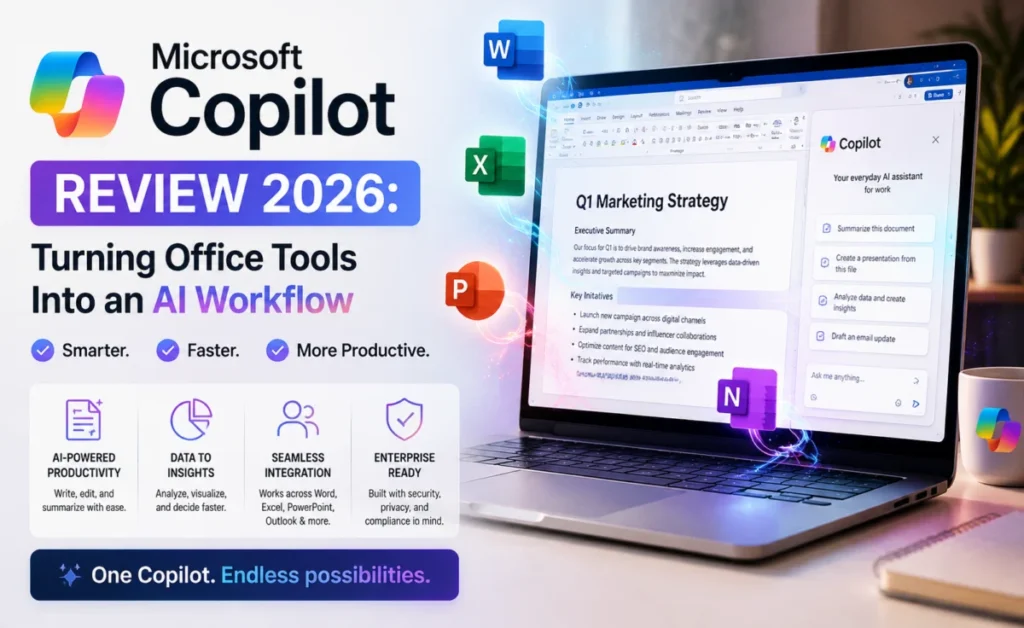
Bottom line: Copilot’s value scales directly with how much of your workday already runs through Microsoft 365 — for those users, it’s one of the most immediately useful AI tools available.
📊 Quick Verdict at a Glance
| Best For | Microsoft 365 users, enterprise teams |
| Free Tier | Yes, standalone chat |
| Excel Integration | Excellent formula & data support |
| Outlook Integration | Strong email summarization & drafting |
| Enterprise Compliance | Robust admin & security controls |
| Standalone Chat | Solid but secondary to in-app use |
| Depplo Score | 4.3 / 5 |
💡 What Is Microsoft Copilot and Who Is It For?
Microsoft Copilot enters 2026 as the assistant most likely to already be sitting inside the software millions of office workers use every day — Word, Excel, Outlook, Teams, and Windows itself. The Depplo Team spent time testing Copilot both inside these familiar applications and as a standalone chat experience to evaluate how well that workplace integration actually translates into productivity.
Copilot is a natural fit for organizations already running on Microsoft 365, where the assistant can be summoned directly inside a document, spreadsheet, or meeting without needing to copy content into a separate chat window.
For individuals outside a Microsoft-centric workplace, Copilot still functions as a capable assistant, though — much like Gemini’s relationship to Google’s ecosystem — its most compelling features are tied to tools you may or may not already be using.
💡 Conversational Quality and Personality
Copilot’s conversational style leans professional and efficient, which fits its primary audience of office workers looking to move quickly through tasks. Responses in the standalone chat experience were clear and well-organized, generally favoring structured formatting — bullet points, short sections — over long narrative paragraphs.
Inside applications like Word and Outlook, Copilot’s tone adapts contextually: drafting a formal client email versus brainstorming a casual internal message produced appropriately different results without needing extensive prompting.
In longer standalone conversations, context handling was solid, though we found the most impressive interactions happened inside specific apps, where Copilot had direct access to the document or thread it was helping with, rather than in the general chat window alone.
💡 Accuracy, Reasoning, and Reliability
Copilot benefits from integration with Bing search for up-to-date, cited answers on factual questions, similar in spirit to what we saw from Gemini’s Search integration. Answer quality on current-events and general knowledge questions was generally reliable, with source links that made verification straightforward.
On reasoning-heavy tasks — complex spreadsheet formulas, multi-step business logic, or nuanced document analysis — performance was strong, particularly inside Excel, where Copilot’s ability to explain formula logic in plain language was one of the more genuinely useful features we tested across this entire review series.
As with the other assistants reviewed here, occasional inaccuracies surfaced on niche topics, reinforcing that a human review pass remains sensible for anything high-stakes or client-facing.
💡 Features, Integrations, and Ecosystem
This is unmistakably Copilot’s strongest category. Inside Word, it can draft and revise documents in place. Inside Excel, it can build formulas, generate charts, and explain data patterns in plain English. Inside Outlook, it can summarize long email threads and draft contextually appropriate replies. Inside Teams, it can summarize meetings and surface action items automatically.
For IT-managed organizations, Copilot’s admin controls, compliance features, and integration with existing Microsoft security tooling make enterprise rollout considerably smoother than adopting a third-party chatbot from scratch.
The standalone Copilot chat app, separate from the in-app integrations, offers a general-purpose assistant experience along with image generation, though this feels like a secondary feature compared to the deep in-app workflows that define the product.
💡 Pricing and Plans
A free version of Copilot chat is available with standard usage, while the deeper in-app integrations across Word, Excel, and Outlook require a Microsoft 365 subscription with Copilot included. For organizations already paying for Microsoft 365, adding Copilot is often a smaller incremental cost than subscribing to a completely separate AI tool.
For individuals without an existing Microsoft 365 subscription, it’s worth weighing the bundled cost against a standalone chatbot subscription, since much of Copilot’s value depends on that deeper app integration.
💡 Privacy and Data Handling
Copilot’s data handling is governed by Microsoft’s enterprise-grade compliance framework, which is a significant advantage for regulated industries already operating within that ecosystem. Admins can configure data retention, access permissions, and compliance boundaries at an organizational level.
For individual users, it’s worth reviewing personal account settings around data usage and history, particularly if using Copilot outside of a managed business environment.
💡 Best Use Cases
Copilot is the clear choice for organizations already standardized on Microsoft 365, where it turns Word, Excel, Outlook, and Teams into meaningfully more efficient tools rather than requiring a separate chatbot workflow. It’s especially strong for spreadsheet-heavy roles and anyone managing a high volume of email and meetings.
Outside of the Microsoft ecosystem, it remains a competent general assistant, but the case for choosing it over a standalone competitor becomes less obvious.
⚖ How It Compares to Other Chatbots
Against ChatGPT, Copilot’s in-app placement inside Word, Excel, and Outlook gives it a practical edge for office-centric tasks, even if its standalone chat ecosystem is less extensive. Against Gemini, the comparison is almost symmetrical — both assistants win decisively within their respective productivity suites and are merely competent outside of them. Against Claude, Copilot is less suited to deep, long-document reasoning but faster for quick, in-context office tasks.
For organizations already standardized on Microsoft 365, our testers found it hard to justify adding a second, unconnected chatbot subscription purely for tasks Copilot already handled well inside familiar apps.
📝 Tips From Our Testing
Using Copilot directly inside Excel rather than the standalone chat produced far better formula and data-analysis results, since it could reference the actual spreadsheet structure. In Outlook, asking it to summarize a thread before drafting a reply consistently produced more contextually appropriate responses than drafting cold.
For Teams meeting summaries, reviewing and lightly editing the auto-generated action items before sharing them proved worthwhile — accuracy was generally high, but names and deadlines occasionally needed a quick manual check.
📌 Who Should Consider a Different Tool
If your organization runs on Google Workspace instead of Microsoft 365, Gemini will naturally integrate more smoothly into your existing tools than Copilot would. If deep research with visible citations is your priority, Perplexity is more purpose-built for that specific job. And for open-ended creative or long-document reasoning work, ChatGPT and Claude both have an edge outside of Copilot’s office-app strengths.
Copilot’s case is strongest specifically for Microsoft 365-standardized teams — outside that context, it’s worth comparing it directly against the other tools in this review series before committing to a subscription.
🧩 Real-World Testing Scenarios
We asked Copilot in Excel to analyze a messy quarterly sales spreadsheet with inconsistent formatting and build a summary chart. It cleaned up the obvious inconsistencies, built a reasonable chart on the first attempt, and explained the formula logic behind a couple of calculated columns clearly enough that a non-technical team member could follow along.
In Outlook, we tested it on a 30-message email thread with a scheduling conflict buried in the middle. Copilot’s summary correctly surfaced the conflict near the top of its recap rather than treating it as just another message, and the draft reply it generated addressed the conflict directly instead of ignoring it.
Pros
- ✅ Deep, genuinely productive integration with Word, Excel, Outlook, and Teams
- ✅ Excellent plain-language explanations of spreadsheet formulas and data
- ✅ Strong enterprise compliance and admin controls
- ✅ Reliable, cited answers on general knowledge questions
- ✅ Smooth rollout path for existing Microsoft 365 organizations
Cons
- ❌ Standalone chat experience is less distinctive without app integration
- ❌ Full feature set requires a Microsoft 365 Copilot subscription
- ❌ Core value proposition fades outside the Microsoft ecosystem
❓ Frequently Asked Questions
Q: Do I need Microsoft 365 to use Copilot?
A free standalone chat version is available, but the deeper Word, Excel, and Outlook integrations require a Microsoft 365 subscription with Copilot included.
Q: Is Copilot good for Excel work?
Yes — it was one of the standout features in our testing, explaining formulas and generating charts in plain language.
Q: Is Copilot suitable for enterprise use?
Yes, its admin controls and compliance framework make it a strong fit for regulated or IT-managed organizations.
Q: Does Copilot work outside of Microsoft apps?
Yes, a standalone chat experience is available for general questions and image generation, though its most distinctive value comes from the in-app integrations across Word, Excel, Outlook, and Teams.
🏆 The Depplo Verdict
Copilot doesn’t need to win every head-to-head comparison to be a smart choice — for the enormous number of organizations already living inside Microsoft 365, it’s a natural, low-friction way to bring AI into daily workflows without reinventing how people already work.
Reviewed by the Depplo Team — independent AI software testing and analysis at depplo.com/.
About the Author