Most people encounter a VPN security audit exactly once: as a screenshot of a logo on a landing page, next to the words “independently audited.” Very few ever open the actual PDF. That’s understandable — these documents run forty, sometimes ninety pages, written by security engineers for other security engineers. But the report is where the real information lives, and you don’t need a security background to extract the parts that matter. You just need to know where to look.
The Anatomy of an Audit Report
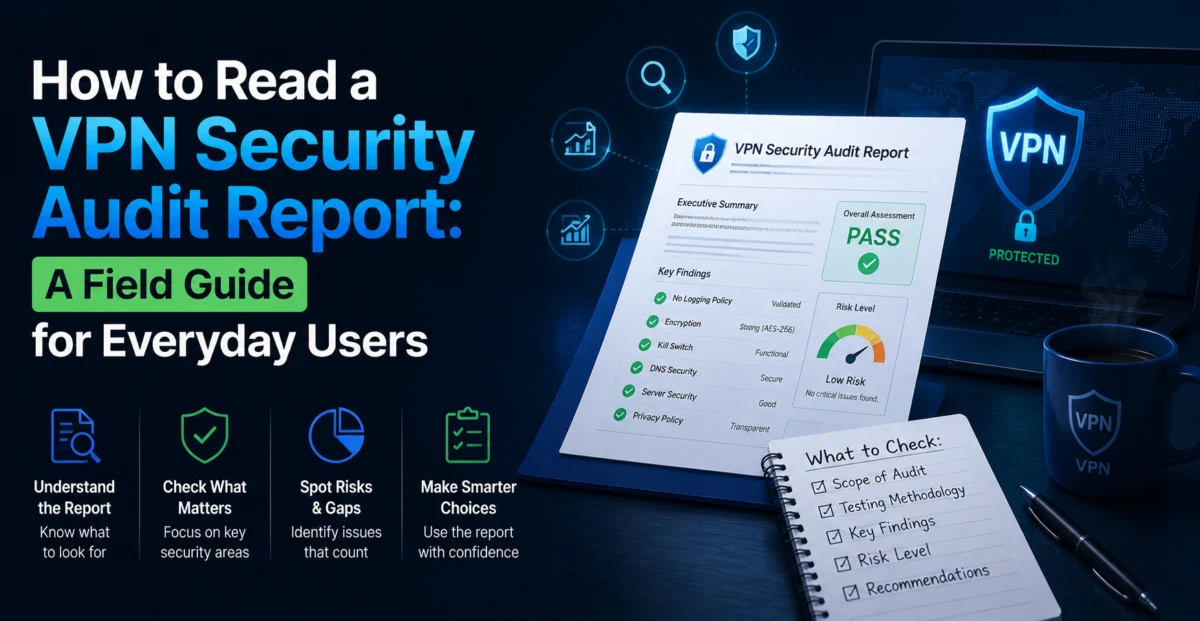
Nearly every professional audit report follows a similar skeleton, regardless of which firm wrote it:
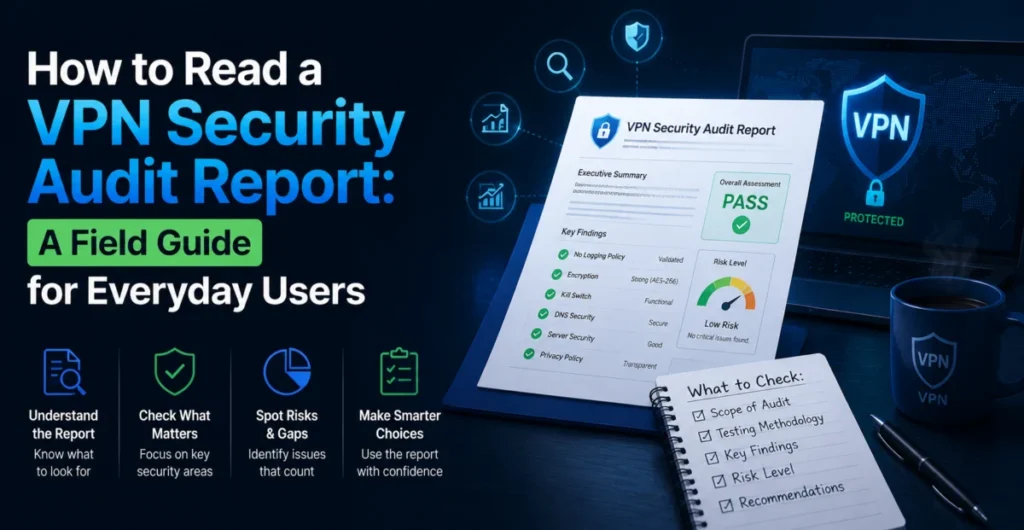
- Executive summary — a plain-language overview, usually the only section most readers ever see.
- Scope and methodology — exactly what was tested, what tools and techniques were used, and critically, what was excluded.
- Findings — a itemized list of issues discovered, each with a severity rating.
- Remediation status — whether each finding was fixed, acknowledged, or disputed by the provider.
- Sign-off — the auditor’s final assessment, often including a re-test summary.
If you read nothing else, read the scope section and the findings table. Together they tell you what was actually checked and what was actually found — everything else is framing.
Severity Ratings: What the Words Actually Mean
| Rating | Rough Translation |
|---|---|
| Critical | An attacker could realistically compromise user traffic, identity, or credentials with limited effort |
| High | A serious flaw that needs specific conditions to exploit, but is dangerous if those conditions occur |
| Medium | A weakness that increases risk but isn’t directly exploitable on its own |
| Low | A minor issue, often about defense-in-depth rather than an active threat |
| Informational | Not a vulnerability, but a recommendation or observation for future hardening |
Here’s the part that surprises people: a report full of low and medium findings, all remediated, is often a better sign than a report with zero findings at all. Software has bugs. Infrastructure has misconfigurations. A report with nothing wrong in it usually means the audit was shallow, not that the product is flawless.
Key takeaway: Don’t grade an audit on “how many issues,” grade it on “how severe, and were they fixed.”
The Scope Section Is Where Marketing Claims Go to Get Tested
This is the section providers hope you skip. It tells you exactly what the auditors were allowed to touch. A scope that says “review of no-log server configuration on a representative sample of production infrastructure” is meaningfully narrower than “full-stack audit including all client applications, backend infrastructure, and update mechanisms.” Watch for phrases like:
- “Based on interviews and documentation provided by the client” — the auditors were told how the system works rather than verifying it directly. Weaker evidence than direct inspection.
- “A representative subset of servers” — not every server was checked, which is often reasonable at scale, but worth noting.
- “Excludes third-party payment and analytics infrastructure” — common, and usually fine, but it means those systems remain unverified.
None of these automatically invalidate an audit. Full-stack, fully independent verification of everything is expensive and rare. But the scope tells you exactly how much weight the report can bear, and providers that quote the headline finding while omitting the scope are asking you to assume more than the document supports.
Red Flag Phrases vs. Reassuring Phrases
| Red Flag | Reassuring Signal |
|---|---|
| “Summary available upon request” | Full report publicly downloadable, no gatekeeping |
| No date on the report or the published summary | Clear engagement dates and a defined testing window |
| Auditor name withheld or generic (“a leading firm”) | Named, identifiable firm with a public track record |
| Findings section entirely omitted from the public version | Findings included with severity ratings and remediation notes |
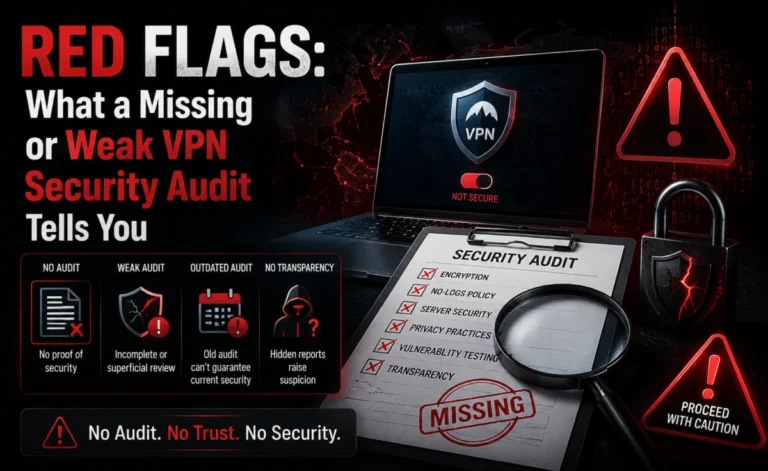
| Report older than 18-24 months with no newer version referenced | Recurring audits on a defined cadence |
Remember: An Audit Is a Snapshot, Not a Guarantee
Even a spotless, fully transparent, recently dated audit only describes the system as it existed during the testing window. Code ships after the audit closes. New servers come online. Configuration drifts. That’s not a flaw in the concept of auditing — it’s simply what the document is and isn’t. Treat a security audit the way you’d treat a home inspection report: extremely useful for understanding what you’re getting into, not a permanent warranty against everything that could ever go wrong afterward.
A Five-Minute Reading Checklist
- Open the scope section first. Note what was and wasn’t tested.
- Check the date. Anything past two years without a follow-up is stale.
- Skim the findings table for severity, not just count.
- Look for a remediation column — were issues actually fixed?
- Confirm the auditor is named and identifiable, not anonymized.
- Compare what the marketing page claims against what the report actually says.
Why This Skill Is Worth Having
You don’t need to become a security professional to read these documents critically. You need about ten minutes and a willingness to skip past the executive summary written to make the provider look good. Once you’ve read two or three real audit reports, the pattern becomes obvious, and the gap between providers that publish thorough, dated, scoped, remediated reports and providers that publish a badge and a paragraph becomes impossible to unsee.
A Worked Example: Two Findings, Read Two Ways
Imagine a report contains this line: “Medium severity — session tokens observed to persist in local storage longer than necessary after logout. Remediated in build 4.2.1, confirmed via re-test.” Read carelessly, “medium severity vulnerability found” sounds alarming. Read properly, this is close to a best-case outcome: a real but non-critical issue, caught by an outside party, fixed quickly, and independently re-verified. Compare that to a report that simply states “No significant findings” with no methodology detail and no indication of how deep the testing actually went. The first report, despite containing a flaw, is stronger evidence of a functioning security process than the second.
What the Methodology Section Reveals About Depth
Beyond scope, the methodology section describes how testing was conducted — automated scanning, manual code review, live penetration testing, or some combination. Automated-only scans are fast and cheap but catch a narrower band of issues than manual review by an experienced tester. A methodology section that names specific techniques (manual source review, dynamic analysis, black-box penetration testing against production-equivalent infrastructure) is describing genuinely rigorous work. A methodology section that’s a single vague sentence is a sign the engagement itself may have been thin, regardless of how confident the executive summary sounds.
Cross-Referencing the Report Against the Marketing Page
One of the most useful five-minute exercises is opening the audit PDF and the provider’s marketing page side by side. Does the marketing page’s claim (“audited no-logs VPN”) match what the report scope actually covered (“configuration review of a sample of production servers”)? Does the page cite a date, and does that date match the report? Discrepancies here aren’t always deliberate deception — marketing copy is often written by people who never read the technical appendix — but a provider that corrects these discrepancies when you point them out is behaving very differently from one that shrugs.
Building this habit costs almost nothing and pays off every time you’re choosing between two providers that both claim to be “audited.” The report, not the badge, is where the real comparison happens.
Glossary: Terms You’ll Run Into Repeatedly
| Term | Plain-Language Meaning |
|---|---|
| Black-box testing | Auditors test the product from the outside, with no special access, the way a real attacker would |
| White-box testing | Auditors get full source code and internal documentation access, allowing deeper, faster analysis |
| Attestation | A formal statement from the auditor confirming what was tested and what was found, often the legally citable part of the report |
| CVE | A publicly cataloged vulnerability identifier; if a report references one, it’s describing a previously known class of flaw, not a novel one |
| Point-in-time review | Industry shorthand acknowledging that any audit reflects a single snapshot, not an ongoing guarantee |
Where to Actually Find These Reports
Credible providers typically link the full report from a dedicated “security” or “transparency” page rather than burying it in a blog post that’s hard to find later. If a provider’s marketing page mentions an audit but you can’t locate the underlying document within a couple of minutes of searching, that’s worth treating as equivalent to not having found one at all — a claim you can’t verify functions the same as a claim with no evidence behind it, regardless of whether the document technically exists somewhere.
Putting It All Together
Reading an audit report well comes down to a small number of repeatable habits: start with scope, check the date, weigh severity over sheer count, confirm remediation, and cross-reference the marketing claim against what the document actually supports. None of this requires a security background — it requires ten minutes and a willingness to read past the first paragraph. Once that habit is in place, the difference between providers that can withstand scrutiny and providers that are hoping you won’t look too closely becomes very easy to see.
One Last Habit: Save the Report, Not Just the Link
Audit pages move, get redesigned, or quietly disappear when a provider changes marketing agencies or rebrands. If a report genuinely factors into your decision, save a local copy of the PDF rather than relying on the link staying live indefinitely. It’s a small step, but it means that months later, if a provider’s claims seem to have shifted, you have the original document to compare against rather than a vague memory of what a page used to say.
About the Author